
Repkit Code · Desktop
Plan, build, review, and test in your repo
Open a project on your Mac, run work with local models, and review diffs and tests before moving on. Code stays on your machine.
Included with Repkit Access (£19.99 / $29.99 per month).
What you get
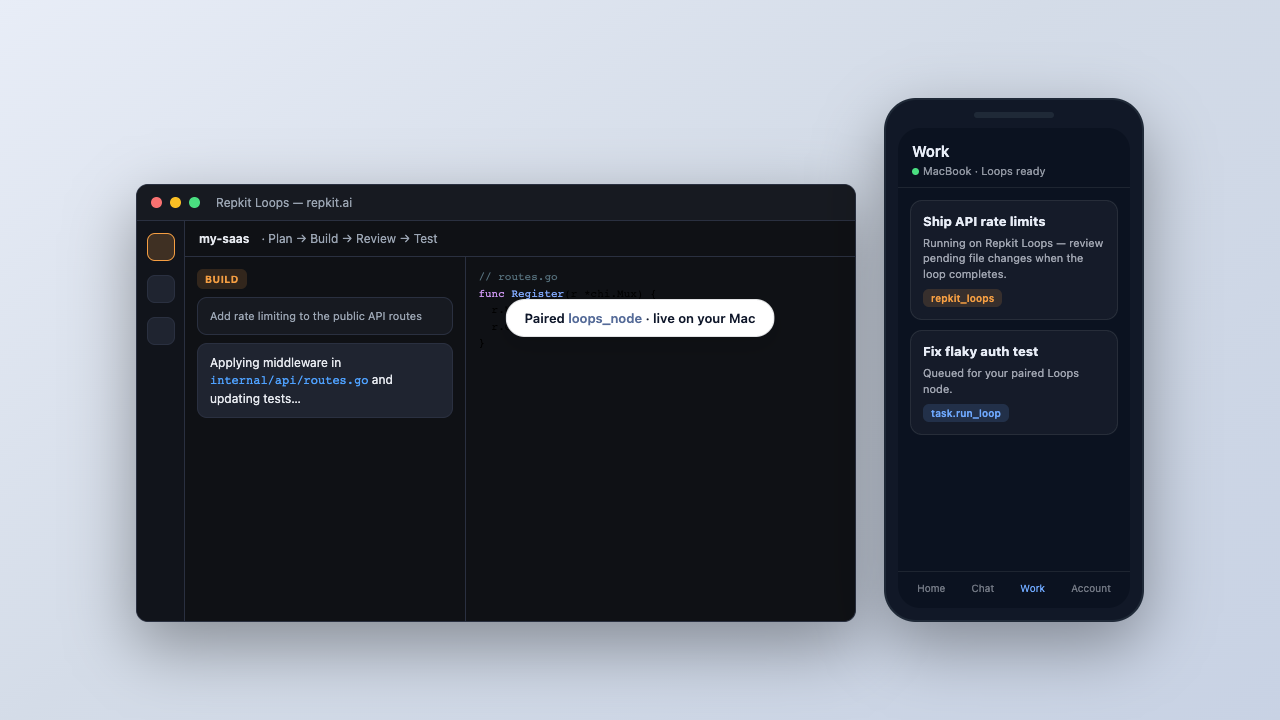
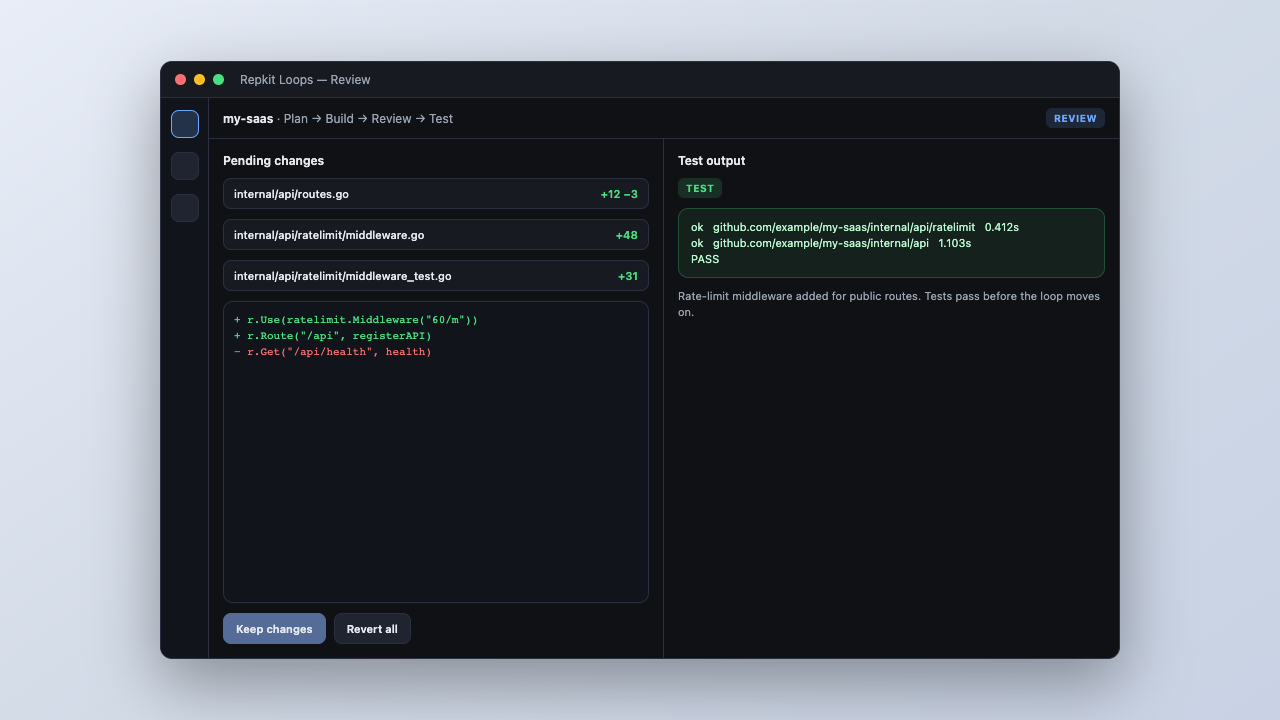
- Repo workflows — Plan → Build → Review → Test cycles with guardrails and resume after sleep or low battery.
- Local models — Run llama.cpp on your Mac with CPU, memory, and context limits you control.
- Repo tooling — Deployment scans, per-app env templates, and test output in the loop.
- Manager pairing — Connect to Manager so you can queue tasks and review sessions remotely.
How Loops and Manager work together
Loops runs on your Mac. Manager handles pairing, tasks, and review once your machine is registered as a loops_node.
-
1
Run Code on your Mac
Open your repo in Repkit Code and run Plan → Build → Review → Test cycles with local models.
-
2
Pair with Manager
Connect your Mac to Manager so tasks and reviews can happen from web or phone.
-
3
Work from elsewhere
Queue work and review pending file changes from Manager while away from your desk.
Install
macOS builds are zips. Download, unzip, and move Repkit Code to Applications.
- Apple Silicon (M1–M4): use the Apple Silicon build.
- Intel Macs: use the Intel build.
- After install: open Code and pair with Manager from settings when you want remote tasks.